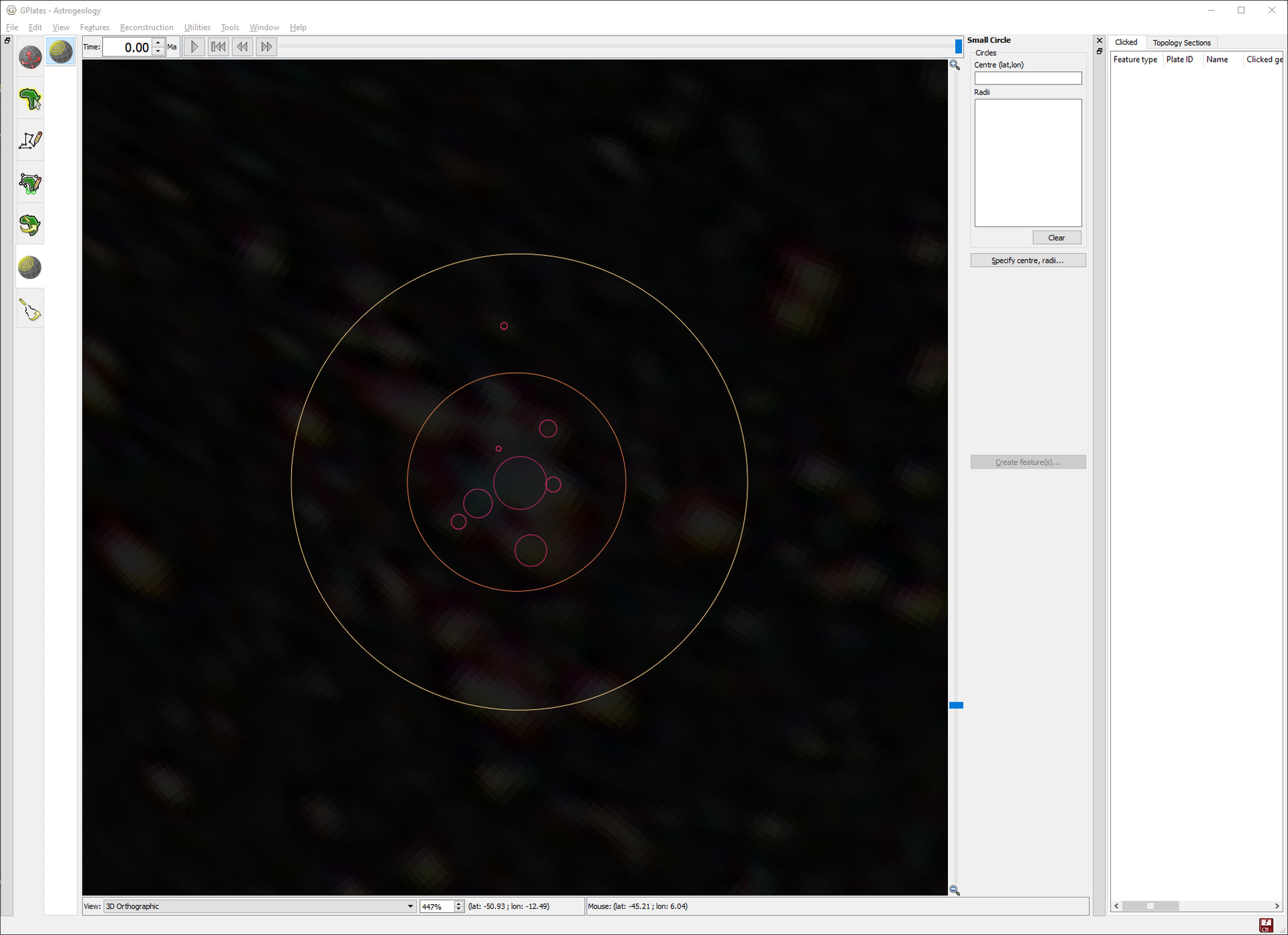
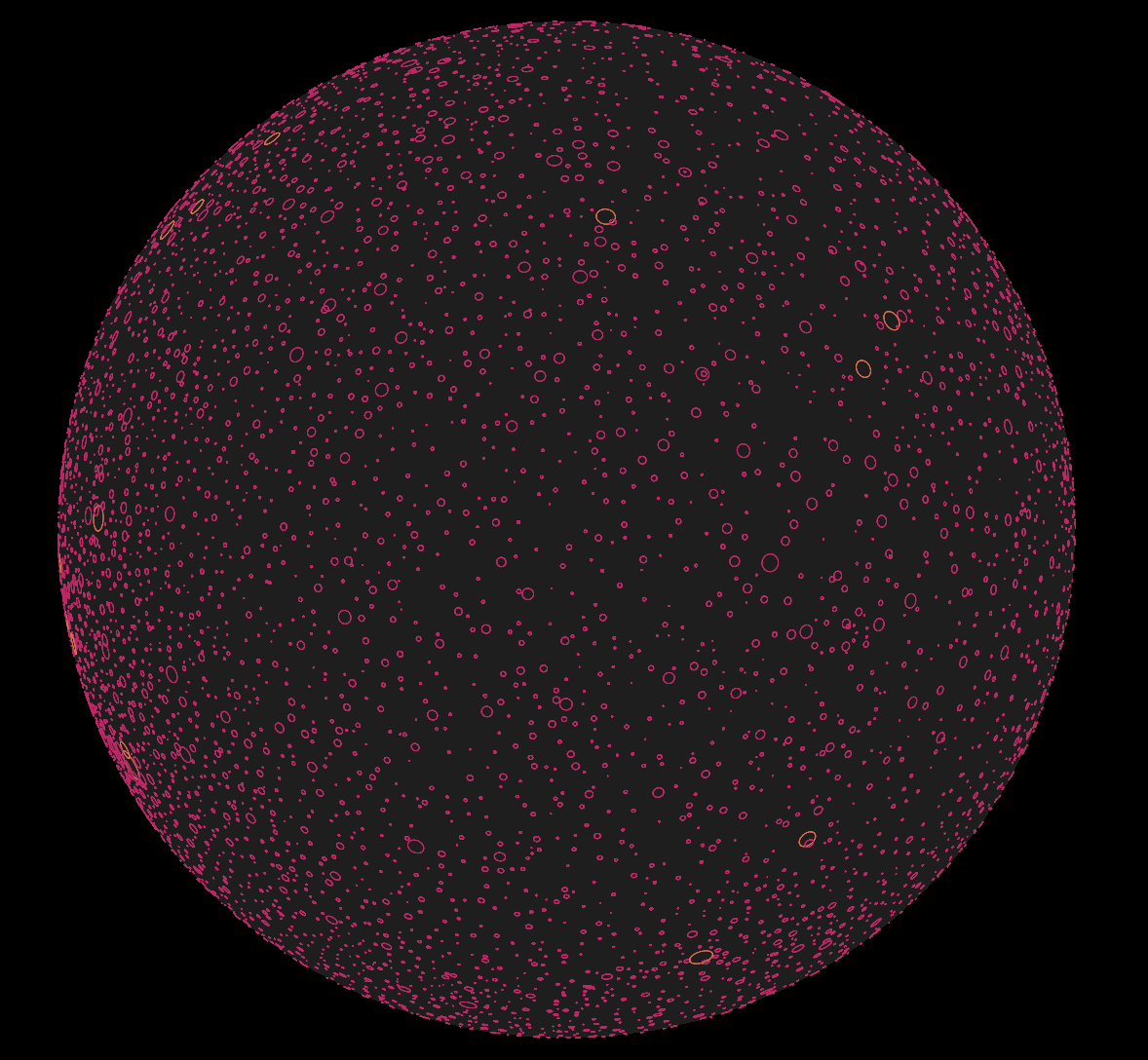
I’ve been messing around with using GPlates to make a fictional star map and ran into an extremely niche issue: I can’t distinguish decimal values using color by property on circles using the angularRadius property. My guess is that this could have to do with how color interpolation is calculated from the CPT files.
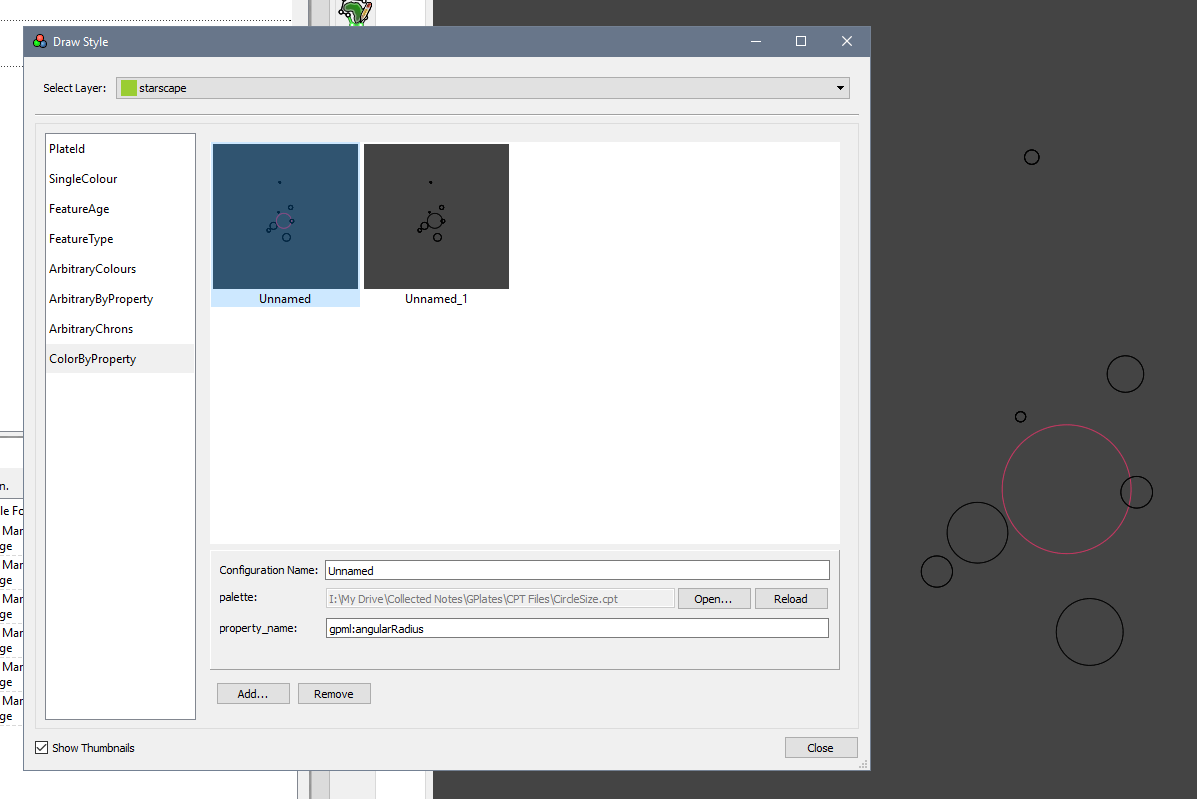
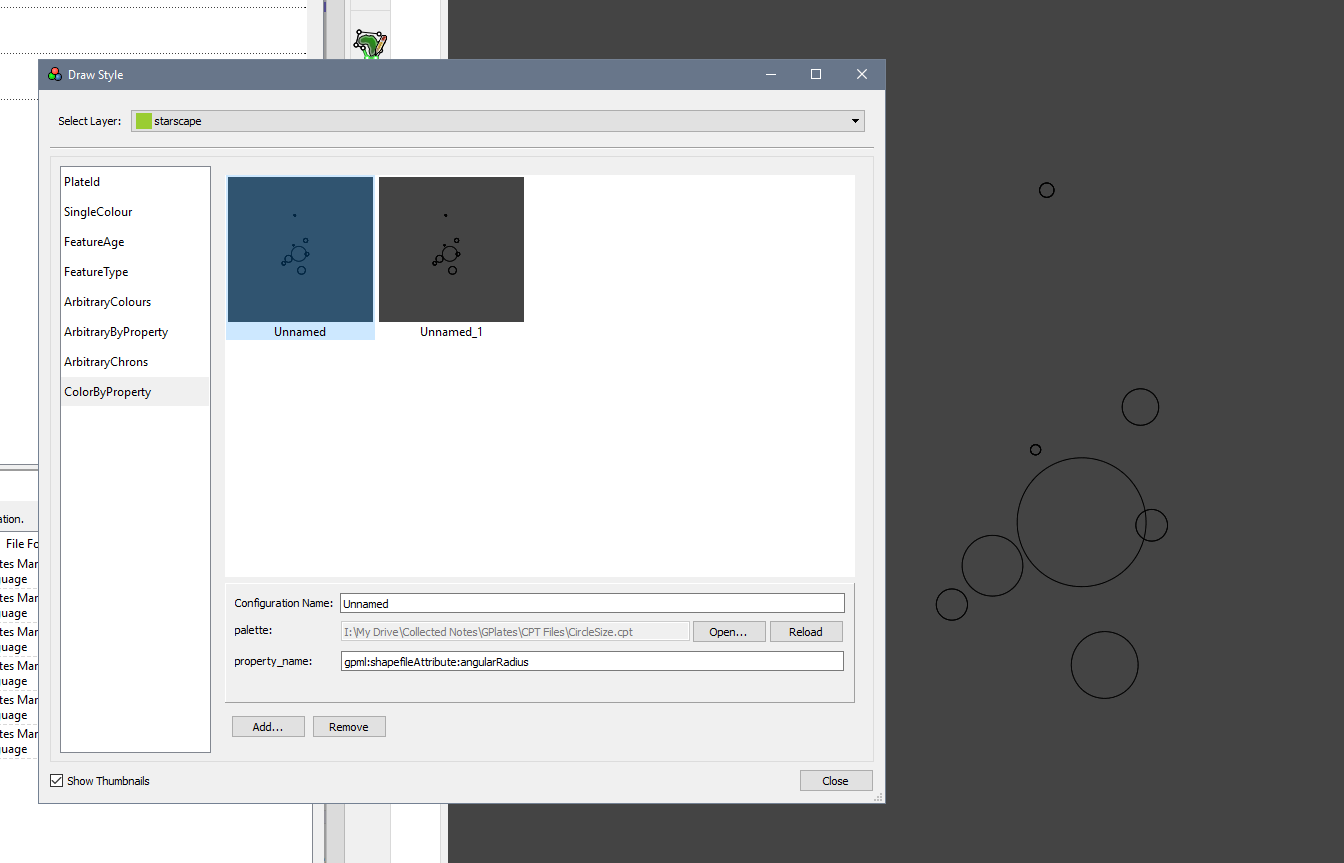
The screenshot above shows where the CPT color interpolation fails to recognize non-integer values. It correctly colors the larger circles (3.5° and 7.5°), but can’t color the features <1° in radius. Below is what happens if I just replace the “0” at the start of my CPT file with “0.5”.
Unfortunately, because of my use case, all the objects I want to color are 0.05–1.00°, so I’m in a bit of a pickle. Is there anything I can do to fix this, or will I have to do something else? Maybe polygons by area…
(Aside, for the curious, I used an image of the Large Magellanic Cloud and distorted it with photoshop to extremely roughly correct for curvature around the poles)
Edit: The UI is from 2.2.0, but I got the same results on 2.5.0. I just use 2.2.0 because pop up windows stay in place.
Color-by-property requires a shapefile attribute. Your screenshot shows a regular property (gpml:angularRadius), so I’m not sure how it’s managing to colour-by-property with that at all.
Perhaps have a look at Christian’s recent post about this.
1 Like
Interesting. So it’s sorta working when it’s not actually expected to at all, lol.
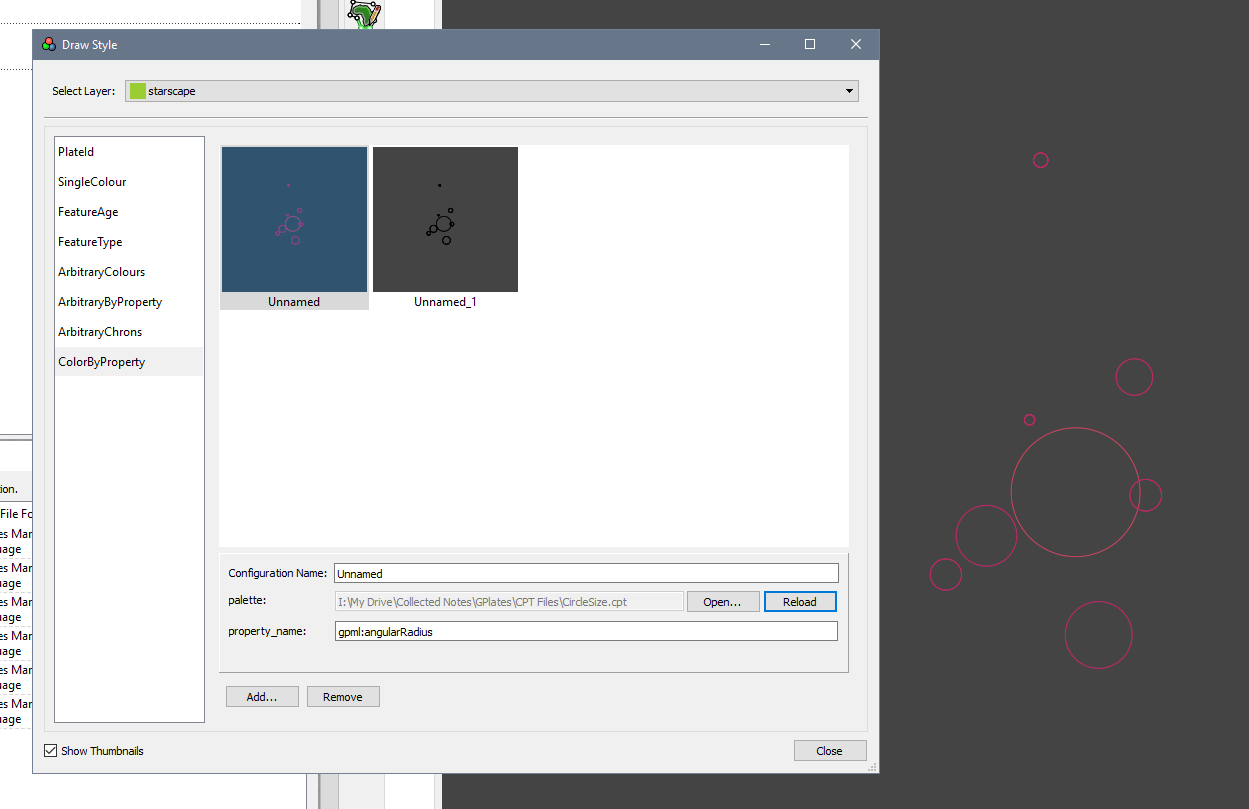
The way I have it set up is with a default GPML layer with just circle features in it. Its draw style uses this CPT file:
0 191/40/102 5 249/181/61
5 249/181/61 10 255/255/255
B 210/0/0
F 128/128/128
N 180/180/180
And these settings:
If I change the 0 to 0.5:
I haven’t used shapefiles before, so that might explain why it breaks when I try to lazily copy the format in Christian’s post:
I could use pygplates to generate a usable integer value for each “star” by multiplying its angularRadius, though I always have to relearn python whenever I go back into it, so it’d be great if there’s a way to do it all in GPlates or without a bunch of data processing
I went into the pygplates documentation, but I wasn’t able to find a way to query the angularRadius property (unless I’m missing something super obvious)
Actually I’m wrong about that. A single-value regular property (like gpml:angularRadius) works too. That explains why you’re getting some colouring 
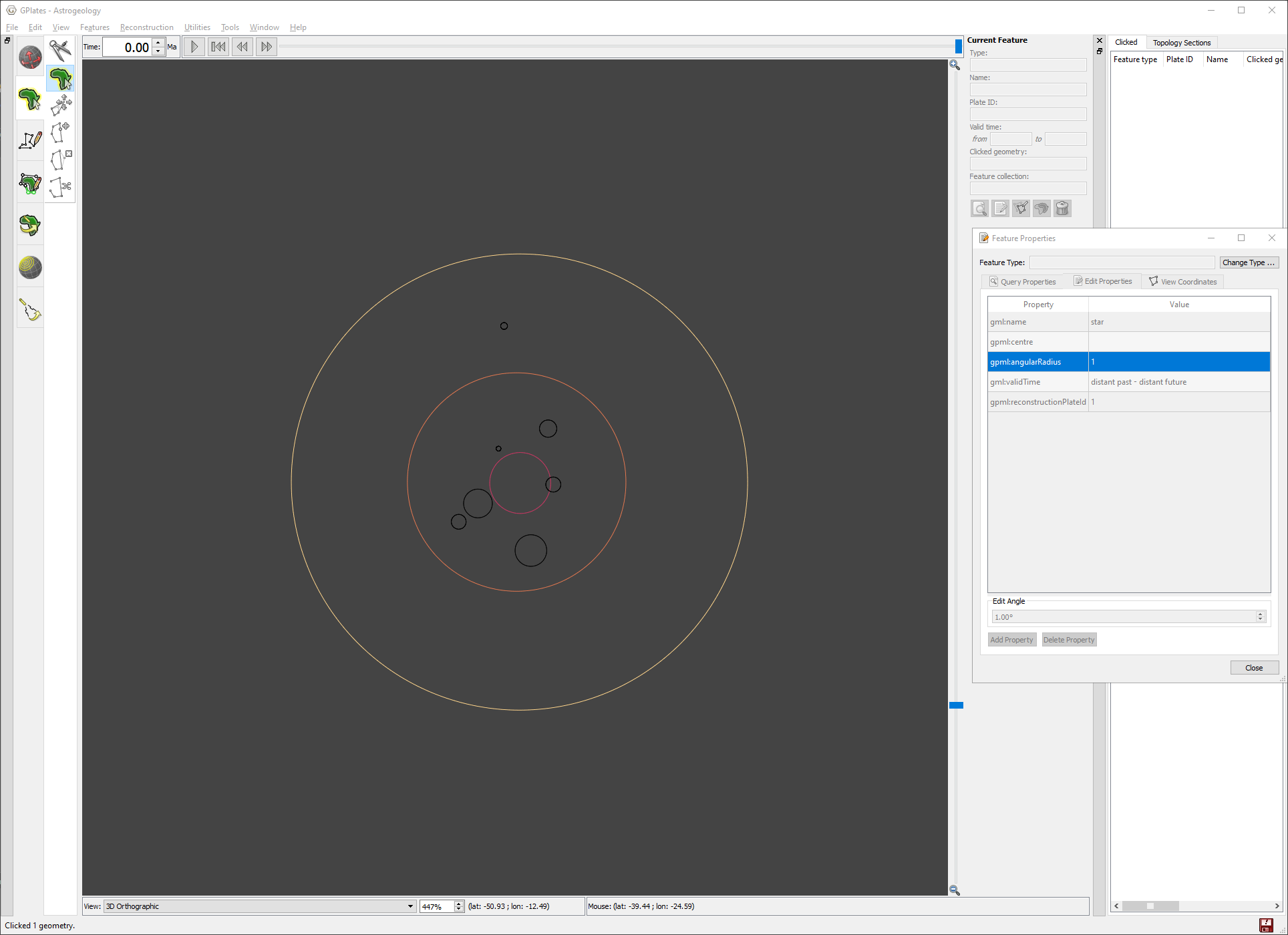
I see what’s happening now. It appears the gpml:angularRadiusvalues are getting truncated to integers somehow (inside GPlates). So a radius less than 1.0 becomes 0.0. And if the bottom of your CPT is 0.5 then these radius values are outside the CPT range.
Also it means that while your radii are interpolating colours from the CPT, it is only happening at integer values.
I’m not sure why gpml:angularRadiusis truncating to integer. I can’t see where in the code (but I didn’t write that section of the code). However it seems a regular double property works fine (ie, doesn’t truncate to integer). I added agpml:poleA95to a small circle and it worked fine (that’s a property of type XsDouble). So I don’t think there’s anything wrong with the CPT file itself.
Yeah I think the shapefile attribute needs to already exist - in your case it doesn’t. Typically shapefile attributes are only created when loading an actual Shapefile into GPlates.
Hmm, it looks like properties of type gpml:measure are not in pyGPlates yet (this affects gpml:angularRadius and gpml:dipAngle properties only). I’ll add them for pyGPlates 1.1.
But you can get/set the XsDouble type properties (like gpml:poleA95). Here’s some sample code that shows that. Not that you’ll need it since you can do what you want in GPlates now (using gpml:poleA95as a crutch, or some other XsDoubleproperty).
Is there a way to get the angularRadius value in pygplates, Or will that have to wait until 1.1?
I have 10,593 features to comb through, so if not I may have to find a workaround to extract that from the gpml lol
Currently pyGPlates cannot get the angular radius (until 1.1 is released).
But you can parse the GPML file using the following Python code. It searches for gpml:SmallCirclefeatures and prints out the feature name and angular radius.
import xml.etree.ElementTree as ET

ns = {
    'gpml': 'http://www.gplates.org/gplates',
    'gml': "http://www.opengis.net/gml",
    'xsi': "http://www.w3.org/XMLSchema-instance"}

tree = ET.parse('small-circle.gpml')
root = tree.getroot()

for feature in root.findall('gml:featureMember', namespaces=ns):
    sc = feature.find('gpml:SmallCircle', namespaces=ns)
    if sc is not None:
        name = sc.find('gml:name', namespaces=ns)
        ar = sc.find('gpml:angularRadius', namespaces=ns)
        if ar is not None:
            print(name.text, ar.text)
1 Like