Hello @cchan
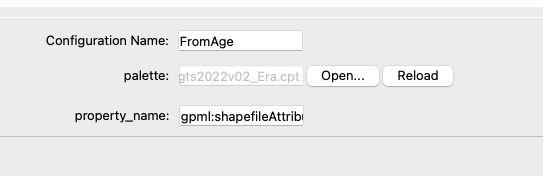
to use the shapefile attributes you need to put in gpml:shapefileAttributes:<YourAttributeName> in the property_name field (and not just the attribute name). Then it should work. So in your case: gpml:shapefileAttributes:ID.
It’s one of those slightly quirky, unintuitive things in GPlates that you cannot put the direct attribute name in but instead need to refer to the way the file is wrapped into GPlates internal representation in GPML.
The CPT file should be continuous and not have breaks, so I can’t see why the CPT should not work. Seeing that you’re using discrete values it might even be possible to use the GMT-style categorical format for CPTs such as the example one here - but you’d need to test that.
Cheers, Christian